AI song editor
Change the words in part of your song
Mark 3 to 30 seconds of a song you made and write the new words. You get the song back with that part sung again.
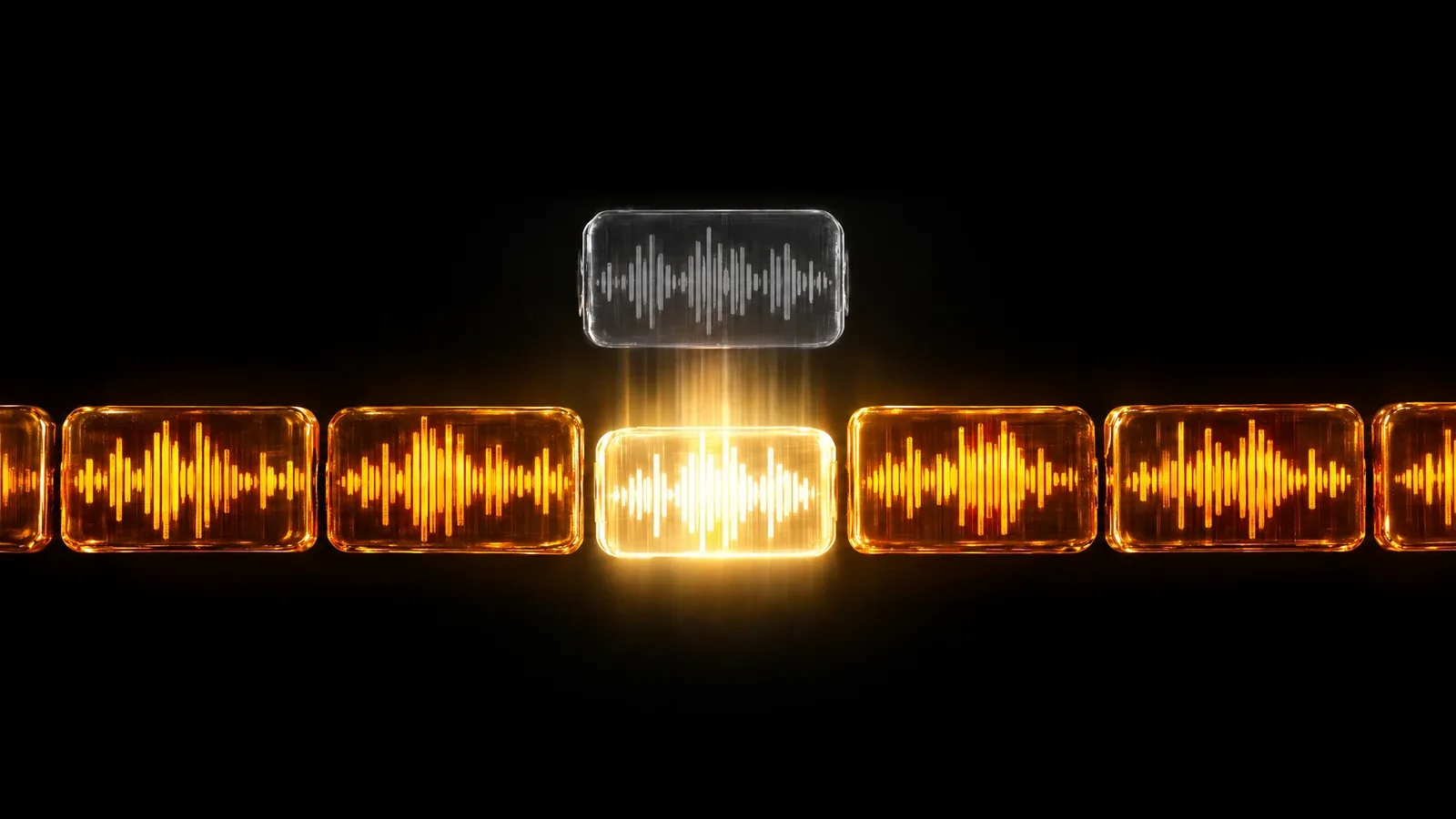
- Replace 3 to 30 seconds
- Up to 1,000 characters of words
- Your original song is kept
How it works
How to use the AI song editor
The AI song editor changes the words of one part of a song without making the whole song again. Choose a finished song you made in MusicGenerate that has vocals, then mark the part on its timeline: anything from 3 to 30 seconds. The box below shows the words sung there now, and you write the new ones in their place. That part is sung again with your words, and you get the full song back as audio, saved next to the original. It suits a wrong name, a line you have gone off, or a chorus that should say something new.
- 1
Pick a song with vocals
Choose one of your finished songs. Instrumentals are left out of the list because there are no words to replace, and uploaded files cannot be used.
- 2
Mark the part, write the words
Drag the marked part along the song's bar, or tap a lyric line to select it. Play the part to check it, then write the new words.
- 3
Get the song back
Press Replace. The song comes back with that part sung with your words, ready to play and download. You can then replace another part.
What you get
What the song editor gives you
- The whole song, one part changedYou get the full song as audio, with the part you marked sung with your new words.
- Your original song, untouchedThe edit is saved as a new result in your library. The song you started from stays as it was.
- The words you are replacingThe lyrics in the marked seconds are lit, and the text box starts with them, so you see exactly which words you are changing.
- A part you can hear firstPlay just the marked seconds before you start, to check the part begins and ends where you want it.
Questions
Song editor questions
How much of a song can I change?
One part of 3 to 30 seconds per edit, with up to 1,000 characters of new words. Each edit is a separate result, so you can try different parts or different words on the same song.
Can I edit a song I upload?
No. The song editor works on finished songs you made in MusicGenerate that have vocals. Uploaded files are not accepted, and instrumentals are refused because there are no sung words to replace.
Do I have to rewrite every word?
No. The box starts with the words sung in that part now. Change only what you want: a name, a line or a few words. The new words must differ from the old ones before you can start.
Will the new part match the rest of the song?
The part is sung again inside your song with your words, but how closely it matches the voice and music around it can vary. Listen to the result; your original song is always kept as it was.
How is this different from a remix or an extension?
Editing changes one part of the song and gives you the song back. A remix sings the same song and lyrics in a new style, and extending keeps a song going from where it ends.
Do I need a plan?
Yes. Editing a song needs a MusicGenerate plan. A new account can listen to one song preview before choosing a plan.
Every tool in the MusicGenerate app needs a plan. Compare the plans
Keep exploring
More you can make in the app


Fix the line, keep the song
Mark a part, write new words, and hear your song sung the new way.