Lyric video maker
Make a lyric video of your song
Pick a song you made that has vocals. You get a vertical video with its cover, its title and every line, each word lit as it is sung.
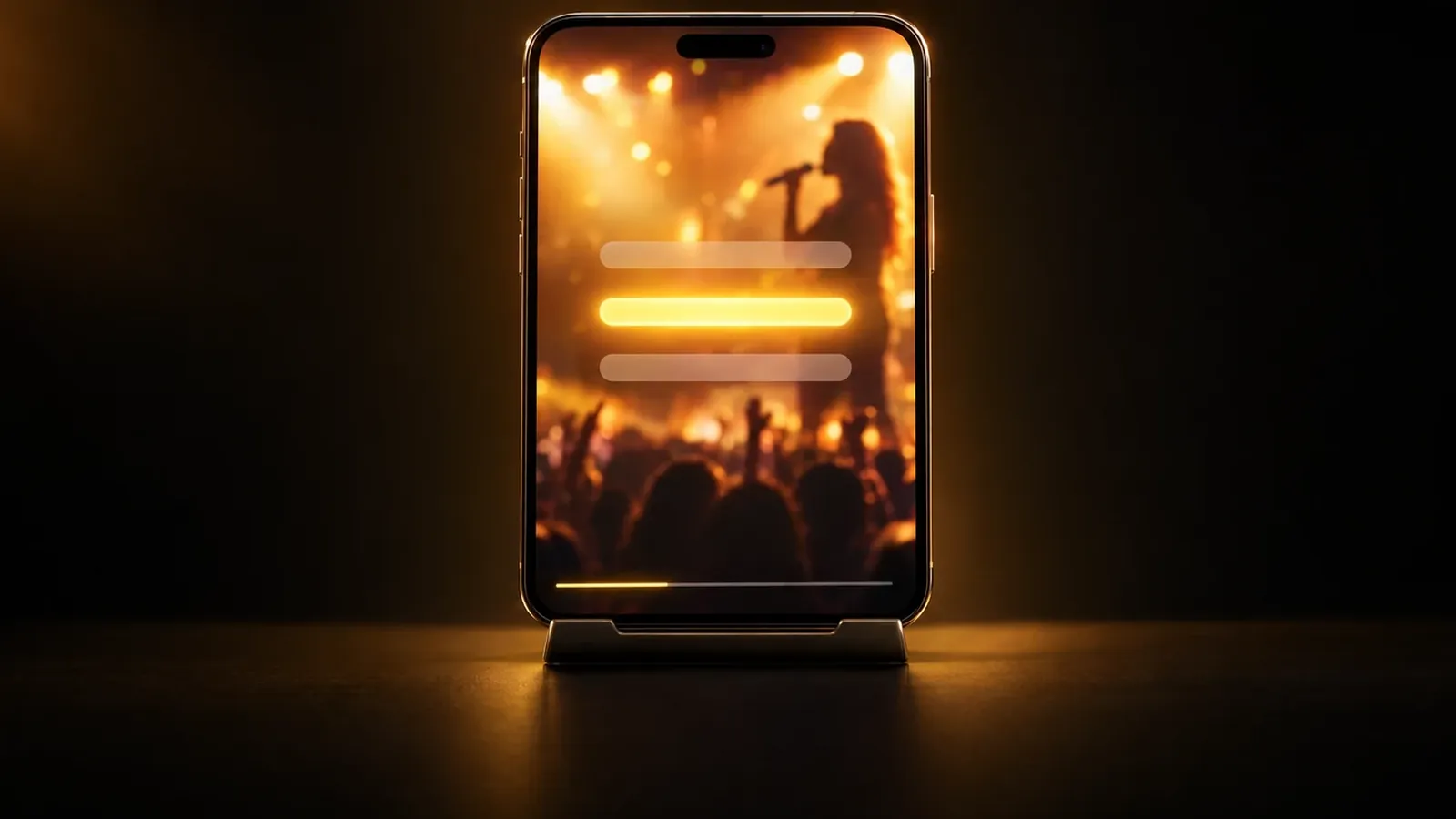
- Vertical 9:16 video
- Words lit as they are sung
- Your song's cover and title
How it works
How to use the lyric video maker
A lyric video puts the words of a song on screen while it plays. This lyric video maker starts from a song you made in MusicGenerate that has vocals. Pick the song and the app times every word: it uses the timing saved with the song, or listens to the vocals when there is none. The video shows your cover on a blurred copy of itself, the title at the top, the line being sung in large letters and the next line below it. Each word turns gold as it is sung. You get a vertical MP4 that plays the whole song.
- 1
Pick a song with vocals
Choose one of your finished songs in MusicGenerate. The list shows only the songs it works with: sung songs in a supported language, not instrumentals.
- 2
Let the app time the words
Press the button and the app matches every word to the moment it is sung, using the song's saved timing or the vocals themselves.
- 3
Download or share the video
When the video is ready, download the MP4 or copy a link anyone can open. You can leave the page meanwhile; it waits in your library.
What you get
What your lyric video includes
- An upright video for phonesA 720 × 1280 MP4 in 9:16, the shape TikTok, Reels, Shorts and stories use.
- Words that light up as sungThe line being sung sits large in the middle and each word turns gold as it is sung. The next line shows smaller underneath when it follows soon.
- Your cover and your titleYour song's cover sits on a blurred copy of itself, with the title at the top. A song without a cover gets a plain dark background.
- The whole song, as it isThe video plays your song's own audio from start to finish, so it runs as long as the song.
Questions
Lyric video questions
Which songs can I use?
Finished songs you made in MusicGenerate that have vocals. Uploaded files cannot be used here, and instrumentals are refused because there are no words to show. Songs the tool cannot use are left out of the list.
Which languages work?
Songs sung in languages written in Latin, Greek, Cyrillic or Arabic letters. Arabic lines read right to left. Lyric videos are not available yet for Hebrew, Hindi, Bengali, Punjabi, Tamil, Telugu, Thai, Georgian, Armenian, Amharic, Korean, Japanese or Chinese.
Where does the timing of the words come from?
When the song already has the timing of its words saved, the video uses it. Otherwise the app listens to the vocals once to find each word and the moment it is sung.
Can I change how the video looks?
No. Every lyric video uses the same layout: your song's cover on a blurred copy of it, the title at the top and the sung lines in the middle. The words are the ones sung in the song.
Where can I post it?
Anywhere that takes vertical video: TikTok, Instagram Reels, YouTube Shorts, WhatsApp status or a story. Download the MP4, or copy the link to the video's own page and send it.
Do I need a plan?
Yes. Making a lyric video needs a MusicGenerate plan. A new account can listen to one song preview before choosing a plan.
Every tool in the MusicGenerate app needs a plan. Compare the plans

Put your song's words on screen
One song, every word in time, one vertical video ready to post.