AI karaoke maker
Turn your song into karaoke
Pick one of your songs. The voice comes out and the words light up on screen as the music plays, so you can sing it yourself.

- The lead voice taken out
- Words light up in time
- Tap a word to jump there
How it works
How to use the karaoke maker
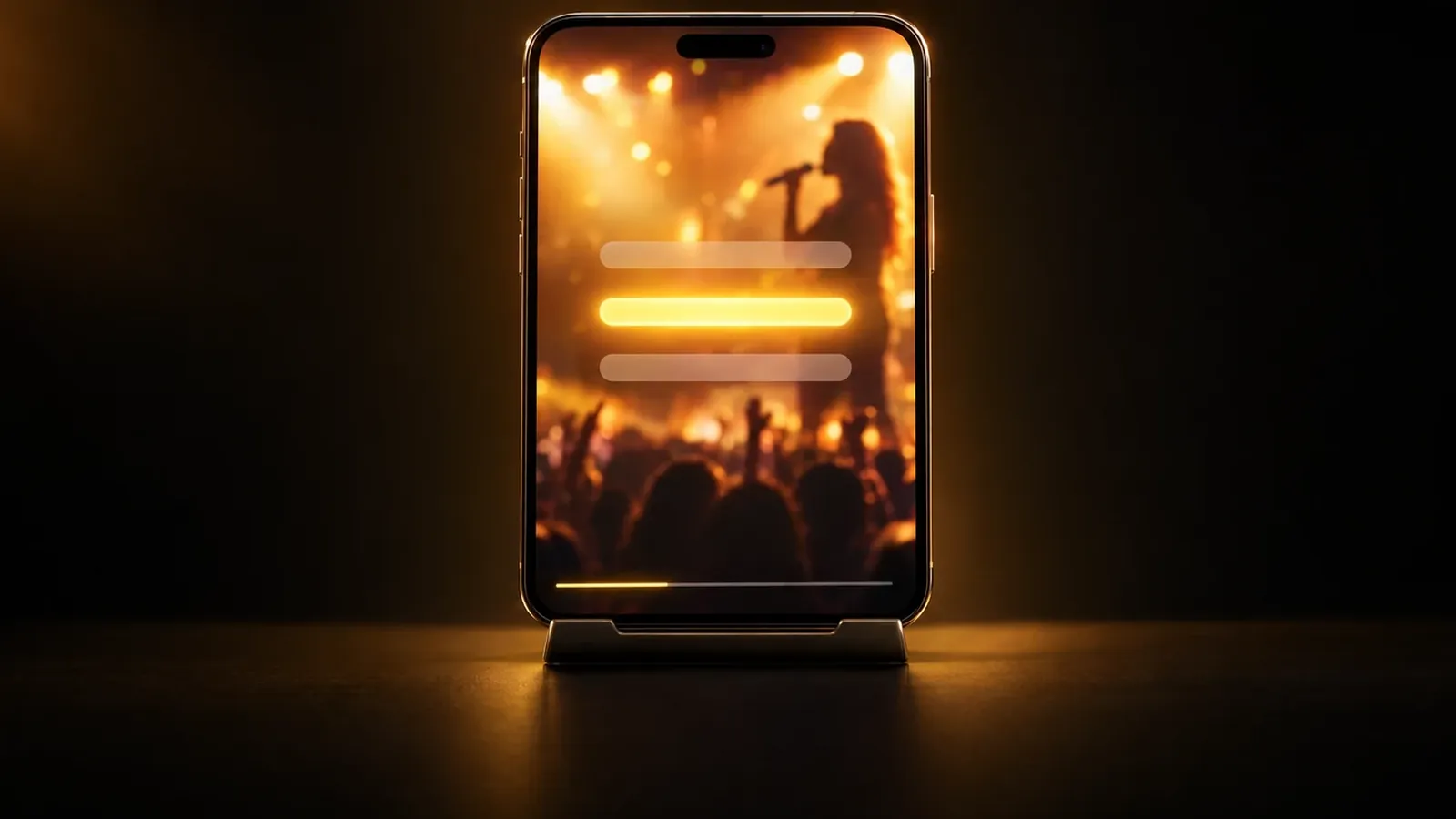
The karaoke maker turns a song you made in MusicGenerate into a sing-along. Pick a song with sung words from your library and the app takes the voice out, leaving the music. It then plays that music with your lyrics on screen, each word lighting up as it comes, and the lyrics move along to keep the current line in view. Tap any word to jump to that moment and practise a part again. You can download the music without the voice as an MP3. If you already split the song in the app, its karaoke plays straight away.
- 1
Pick a song with lyrics
Choose one of your finished songs from your library. The list shows the songs with sung words whose lyrics are timed, so each word can light up when it is sung.
- 2
Let the app take the voice out
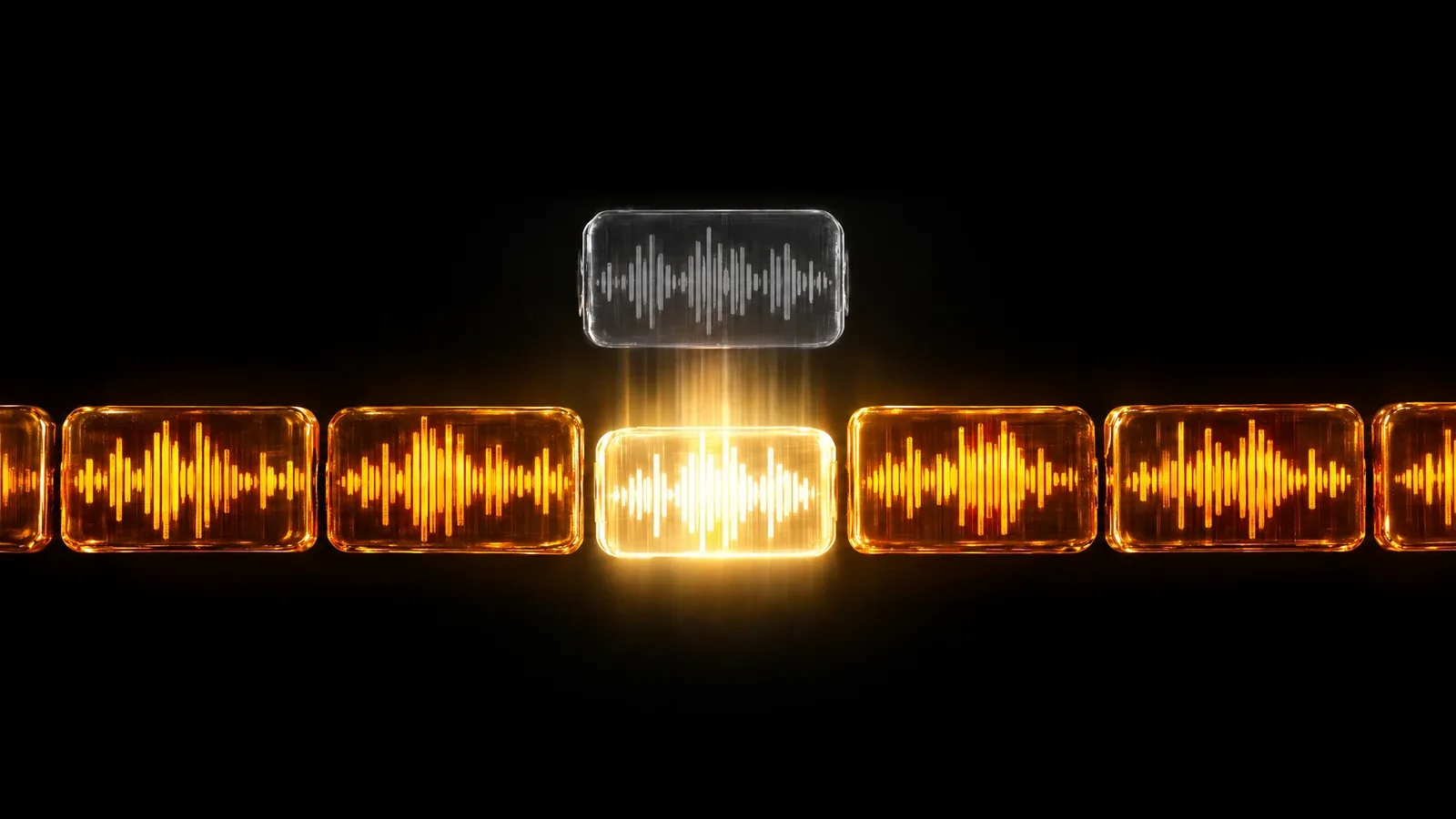
Press Make karaoke. An AI model on our servers separates the voice from the music and keeps the music for your sing-along.
- 3
Sing along with the words
Play the track and follow the lyrics as they light up. Tap a word to jump to it, and download the music without the voice when you want it.
What you get
What your karaoke version includes
- The music without the voiceYour song's instrumental, with the voice taken out, playing in the app and ready to download as an MP3.
- Lyrics that light up in timeEach word lights up as it comes in the song, and the lyrics move along so the line being sung stays in view.
- Jump to any lineTap a word to go straight to that moment, so you can practise a verse or a hard line again.
- No second split for the same songPick a song you already split in the app, and its karaoke plays straight away instead of being made again.
Questions
Karaoke maker questions
Which songs can I turn into karaoke?
Songs you made in MusicGenerate that have sung words with timed lyrics. Uploaded files are not offered here, because the words on screen come from the song's own timed lyrics. Instrumentals are left out, since there are no words to follow.
Can I download the karaoke version?
You can download the music without the voice as an MP3. The words lighting up on screen belong to the player in the app, so they are not in the file. For a video with the words in it, the lyric video maker makes one from your sung song.
Does it work for songs in my language?
Yes, for any language the app sings, as long as the song has timed lyrics. The words on screen are the song's own lyrics, in the language and alphabet they were written in.
Can I get the vocals as a separate file too?
Karaoke keeps the music for singing along. To get the vocals and the music as two separate files, use the vocal remover in the MusicGenerate app, which splits a song into those two parts.
Do I need a plan?
Yes. Making a karaoke version needs a MusicGenerate plan. A new account can listen to one song preview before choosing a plan.
Every tool in the MusicGenerate app needs a plan. Compare the plans
Keep exploring