AI singing photo
Make your photo sing your song
Add one photo and pick a part of your song. You get a vertical video of you singing it, with your song's own sound.
For adults 18 and over.
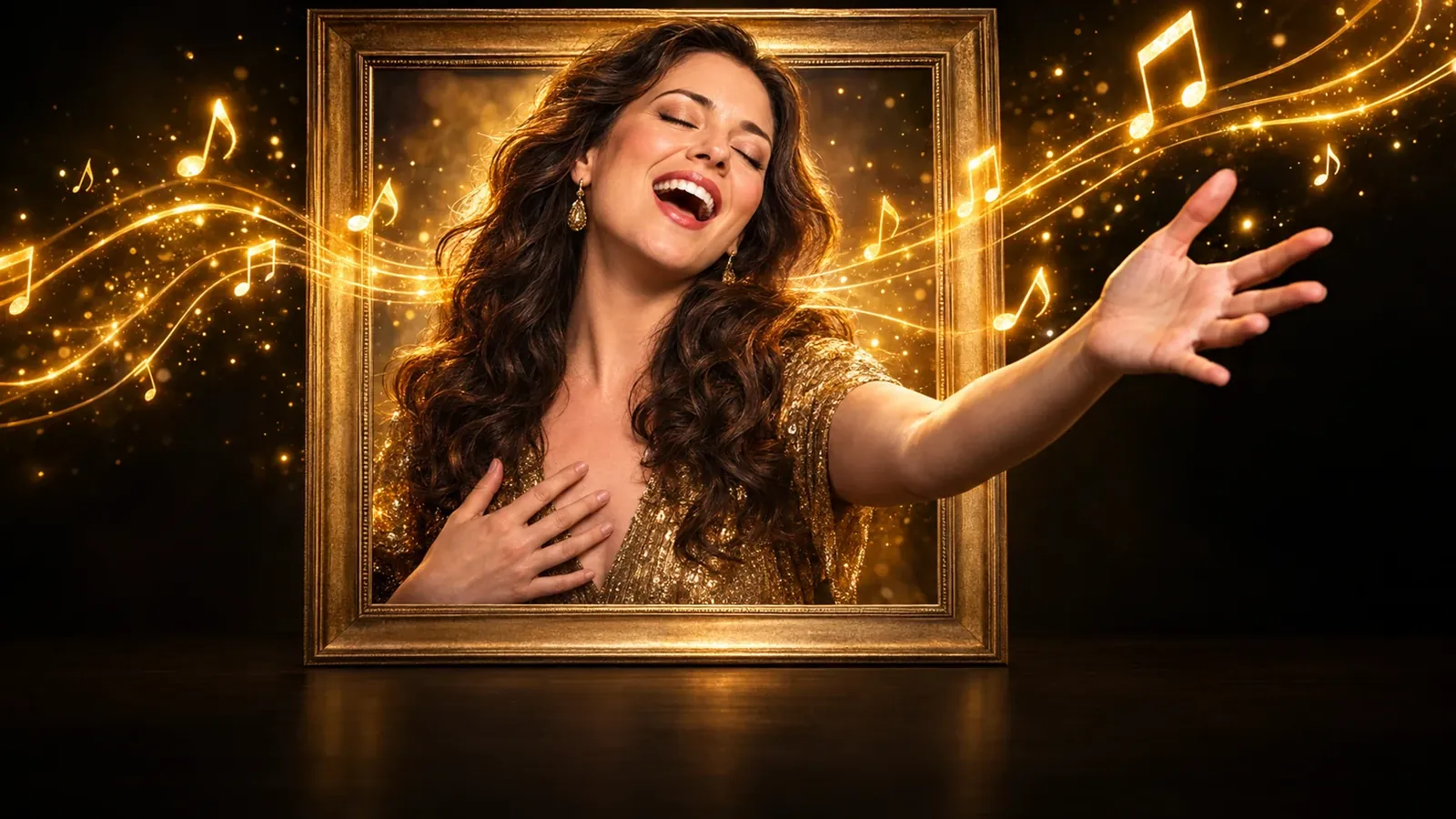
- Vertical 9:16 video
- Your song's own audio
- Studio, stage, beach or your own place
How it works
How to make a singing photo
A singing photo starts from two things you already have: a song and a picture. Choose a song you made in MusicGenerate or upload one you have the rights to, then pick the part to sing: 15, 30 or 60 seconds, or the whole song. Add a photo of one person with a clear face and choose where they sing. You see a still of the look first, and the video is only made when you are happy with it. The result is an upright video in the shape TikTok, Reels, Shorts and WhatsApp status use.
- 1
Pick the song and the part
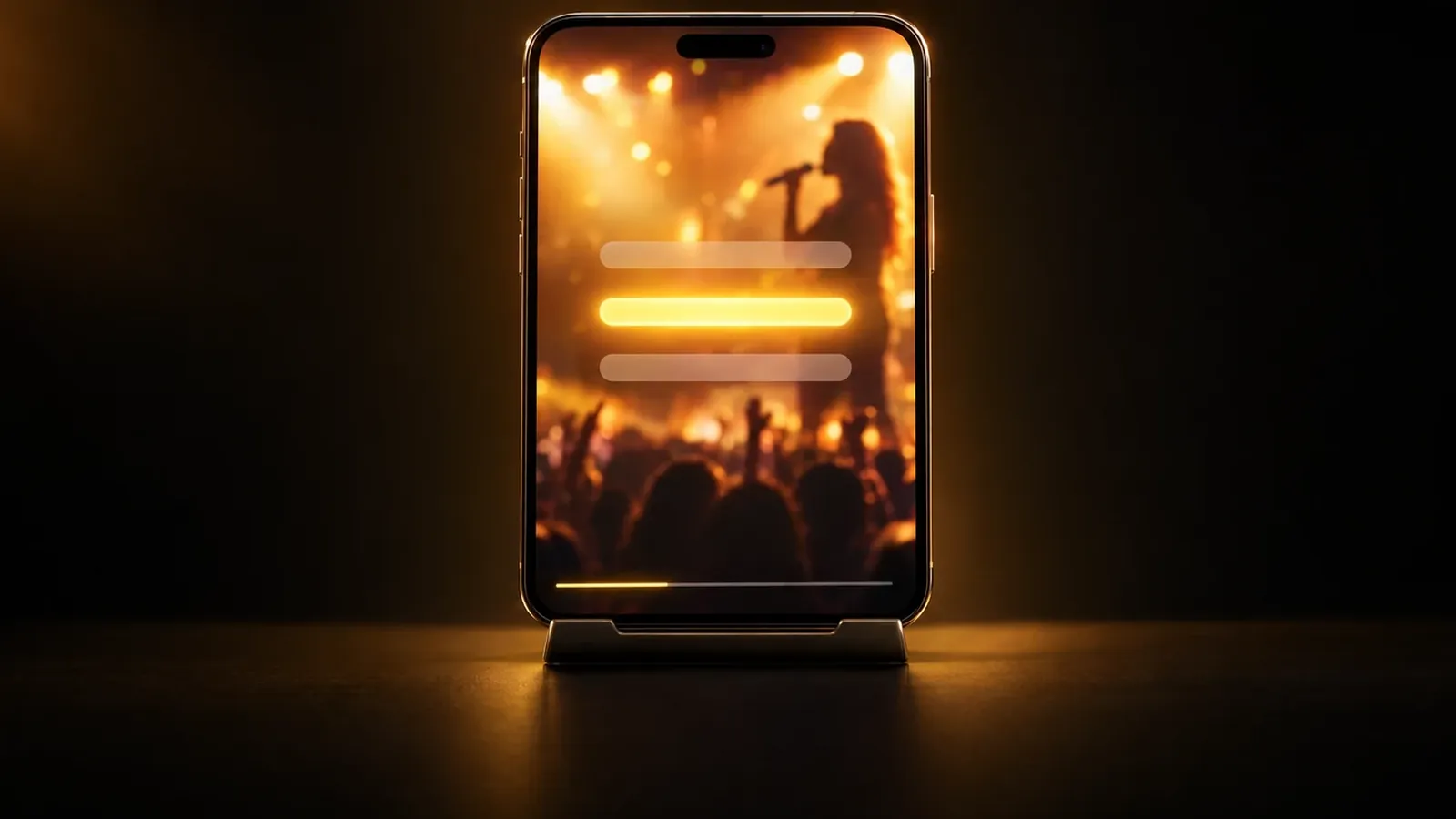
Use a song from your library or upload one. Choose 15, 30 or 60 seconds, or the whole song. The lit lyrics show which words the video sings.
- 2
Add a photo and a place
One person, face clear and well lit, looking at the camera. Sing in a studio, on a stage, at home, on a street, on a beach or in a car, or describe your own place.
- 3
Check the still, then make the video
You see the look first and can try it once more. When it looks right, make the video, then download it or share its link.
What you get
What your singing photo video includes
- An upright video ready to postA 1080 × 1920 video in 9:16, the shape TikTok, Reels, Shorts and stories use.
- Your song, as it isThe video plays your song's own audio, so what people hear is the track you picked.
- Up to three places in one songFor a whole song, pick up to three places. They take turns through the video in the order you choose.
- Waiting in your libraryYou can leave the page while the video is made. It waits in your library, ready to download or share.
Questions
Singing photo questions
What kind of photo works best?
A photo of one person, with the face clear, well lit and looking at the camera. The app checks every photo and asks for another one when it shows several main faces, a hidden face, someone who looks under 18 or explicit content.
Can I use a photo of someone else?
Only with their permission, and only if they are 18 or older. Before anything is made, the app asks you to confirm that the photo is you or that you have this person's permission. Singing photo is for adults 18 and over.
Which songs can I use?
A song with sung words: one you made in MusicGenerate, or a song file you upload and have the rights to use. Instrumentals do not work, because there are no words to sing. The whole-song option is for songs you made in MusicGenerate.
How long can the video be?
Pick a part of 15, 30 or 60 seconds, or the whole song for songs up to 3 minutes 30 seconds. A whole song is made in parts that are joined into one video on your song's own audio.
Where can I post it?
Anywhere that takes vertical video: TikTok, Instagram Reels, YouTube Shorts, WhatsApp status or a story. Download the file, or copy the video's share link from the app.
Do I need a plan?
Yes. Making a singing photo video needs a MusicGenerate plan. A new account can listen to one song preview before choosing a plan.
Every tool in the MusicGenerate app needs a plan. Compare the plans
Put your face to your song
One photo, one song, one vertical video of you singing it.