AI album cover
Make a cover for your song from a few words
Describe the picture, or pick one of your songs and let its style and title guide it. You get one square cover image to download.
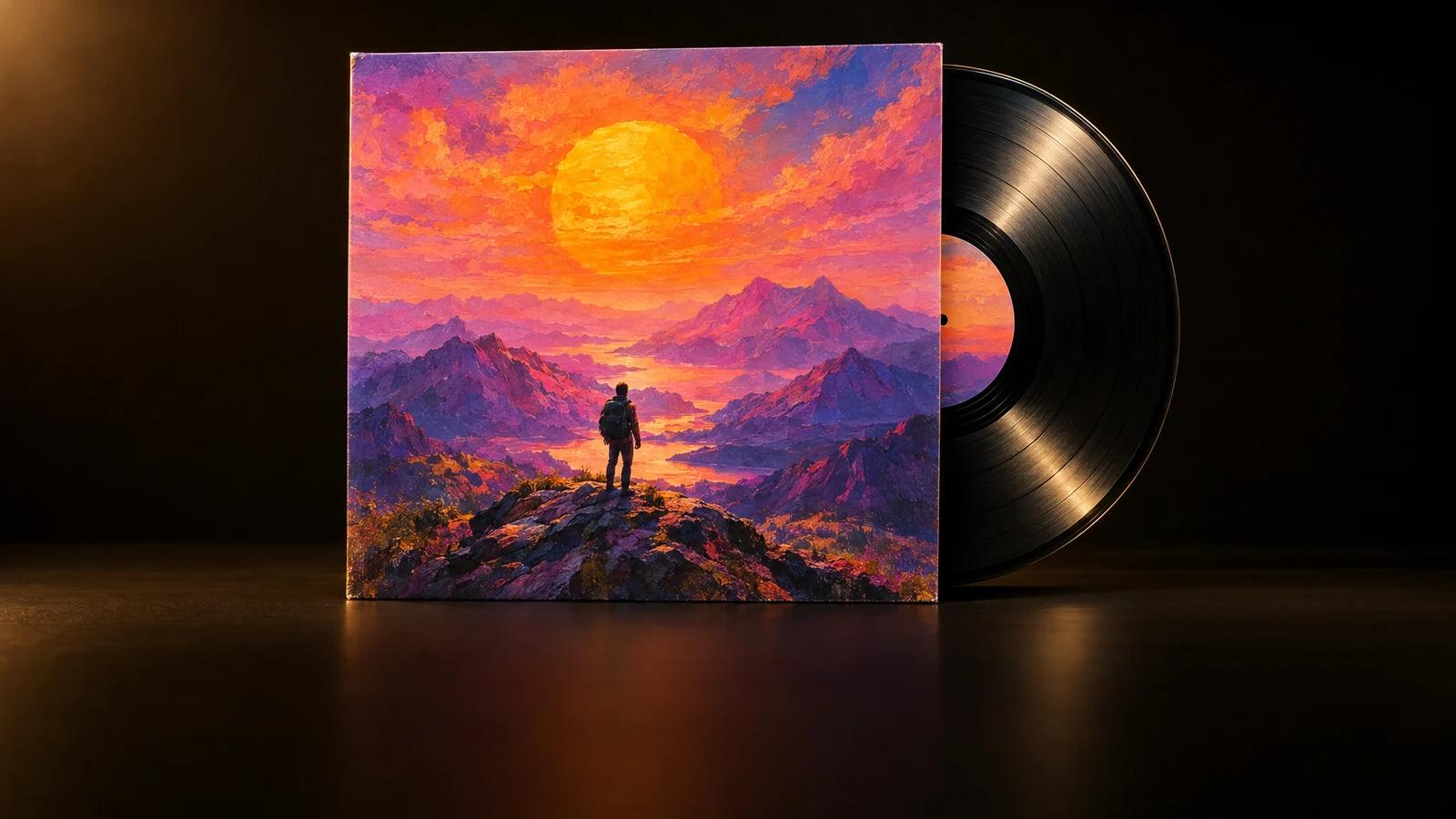
- Square 1024 × 1024 image
- No text or letters on it
- From your words or your song
How it works
How to use the album cover generator
An album cover generator turns a few words into a picture you can put on a song or a release. In MusicGenerate there are two ways in. Describe what the cover should show in up to 500 characters: a place, a mood, the colours, a look such as a grainy film photo or abstract shapes. Or pick one of the songs you made in MusicGenerate, and the cover is made from that song's style and title. Either way you get one square image without text or letters, so the title and artist name you add are your own.
- 1
Describe it or pick a song
Write what the cover should show, up to 500 characters, or tap one of the example ideas. Or switch to From a song and choose one of yours.
- 2
Make the cover
Press Make the cover. The picture is made from your words or your song, square, and without text, letters or real people in it.
- 3
Download it and add your title
Download the image and put the song title and your artist name on it in any image editor. Not what you pictured? Change the words and make another.
What you get
What your cover image includes
- One square image per coverEach cover is a single square picture of 1024 × 1024 pixels, the shape used for song and album covers.
- Room for your own titleThe picture is made without text or letters, so the only words on your cover are the ones you add.
- A cover made from your songPick one of your MusicGenerate songs and the picture is made from its style and title, with nothing to write.
- Waiting in your libraryYou can leave the page while the cover is made. It waits in your Library, ready to download.
Questions
Album cover questions
Can the cover show my song title?
No. Covers are made without text or letters. Download the image and add the title and your artist name in any image editor or design app, in the font and the place you want.
What should I write in the description?
Say what the picture shows, then the mood, the colours and the look, for example a neon city at night seen from a rooftop, in warm film colours. You have up to 500 characters. Describe a style rather than naming an artist.
Can the cover show a real person?
No. Every cover is made without real people in it, so this is not the tool for a picture of you, a friend or a famous face. Requests our content rules decline are not made; try different words.
Is the image big enough for a release?
The cover is 1024 × 1024 pixels. Some music distributors ask for larger cover files, so check your distributor's size rules before you send it with a release.
Can I make a cover for a song I uploaded?
The From a song option lists the songs you made in MusicGenerate. For any other song, describe the picture you want in your own words: the feeling of the song, a setting and the colours.
Do I need a plan?
Yes. Making an album cover needs a MusicGenerate plan. A new account can listen to one song preview before choosing a plan.
Every tool in the MusicGenerate app needs a plan. Compare the plans
Give your song a face
A few words or one of your songs, and one square cover to download.