AI songs, your voice
Hear new songs sung in your own voice
Record your voice once by reading a short text aloud. Then give lyrics or an idea and a style, and get a new song sung in that voice.
For adults 18 and over.
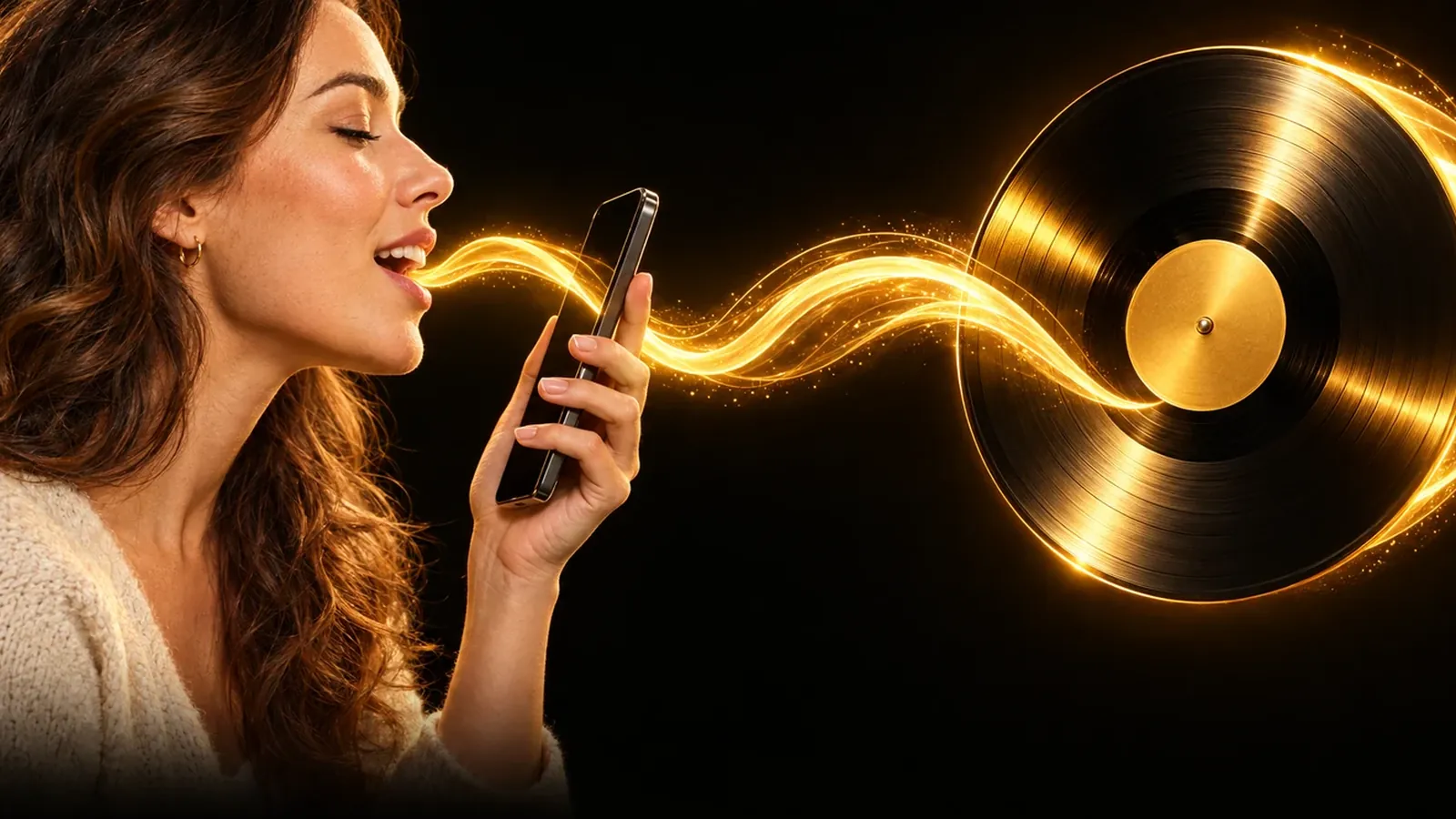
- Only your own voice
- Record about 30 seconds once
- Your lyrics or an idea
How it works
How to make a song in my voice
A song in my voice starts with a short recording of you. In My voice, read the text on screen aloud for about 30 seconds, starting with a sentence that says your name and gives your permission; the app checks that it hears it. Tick that this is your own voice and that you are 18 or older, and name the voice. From then on, pick that voice, paste your lyrics or describe an idea, choose a language and a style, and the song is sung in your voice. You record once and make new songs whenever you like.
- 1
Record your voice once
Open My voice and read the text on screen in a quiet room: at least 20 seconds, about 30 is best. You can also upload a recording of you reading it.
- 2
Confirm it and name it
Tick that this is your own voice and that you are 18 or older, then give the voice a name. It waits in your list of voices.
- 3
Give the words and a style
Pick your voice, paste lyrics or describe an idea for the app to write them, choose a language and a style, then make the song.
What you get
What you get with your own voice
- A new song in your voiceA song with your lyrics, sung in the voice you recorded, in the style and the language you picked.
- Lyrics written from your ideaStart from an idea and the app writes the lyrics. Write them first to read and change them before the song is made.
- One recording, many songsRecord once and make as many songs in that voice as you like. Add another voice whenever you want.
- Your voice stays yoursDelete a voice from your list at any time. Songs you already made with it stay in your library.
Questions
Song in my voice questions
Whose voice can I use?
Only your own, and only if you are 18 or older. The recording starts with a sentence, read aloud with your name, that gives MusicGenerate permission to make songs with your voice. If the app does not hear that sentence, no voice is made.
Can I use a famous singer's voice?
No. You can only record your own voice, and requests that ask for a named singer's voice are declined. Describe the music you want instead, for example warm acoustic pop with guitar and soft drums.
How should I record my voice?
Read at your normal pace in a quiet room, with the phone or microphone close to you. Record at least 20 seconds; about 30 is best. Record in the browser, or upload an MP3, M4A, WAV, WebM or OGG file.
Which languages can the song be in?
Pick one of 18 languages, among them English, Turkish, Arabic, Spanish, German and Hindi, or leave it on Same as the lyrics. Write or have the lyrics written in the language you want sung.
Can I delete my voice?
Yes. Delete it from your list of voices at any time, and its recording is deleted with it. Songs you already made with that voice stay in your library.
Do I need a plan?
Yes. Creating your voice and making a song in it need a MusicGenerate plan. A new account can listen to one song preview before choosing a plan.
Every tool in the MusicGenerate app needs a plan. Compare the plans
Keep exploring
More you can make in the app


Your voice, your songs
Record once, then hear your own lyrics sung in your own voice.